Digital Guest Guidebook: The Complete Guide for Hotels & Vacation Rentals
Digital Guest Guidebook: The Complete Guide for Hotels & Vacation Rentals
If you run a hotel, a bed and breakfast, or a portfolio of vacation rentals, you've probably heard the term "digital guest guidebook" thrown around alongside "guest app," "guest portal," and "digital welcome book." They all point at the same underlying idea — but the products behind them, and what you actually need, can be very different.
This guide covers what a digital guest guidebook is, how it compares to the paper welcome book it replaces, the difference between a guidebook, a guest app, and a guest portal, what to look for when choosing a platform, and how to set one up properly for your property.
What Is a Digital Guest Guidebook?
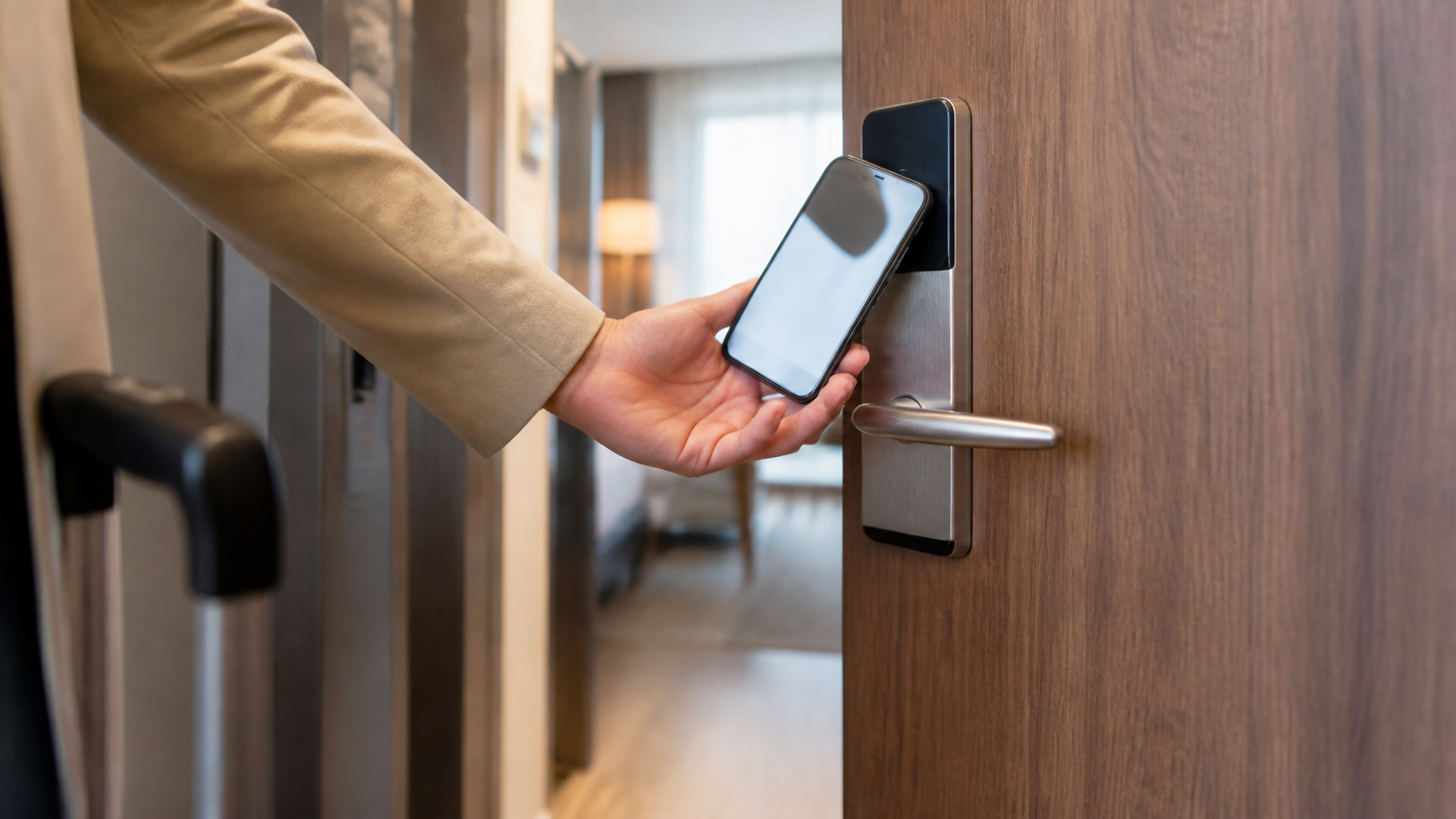
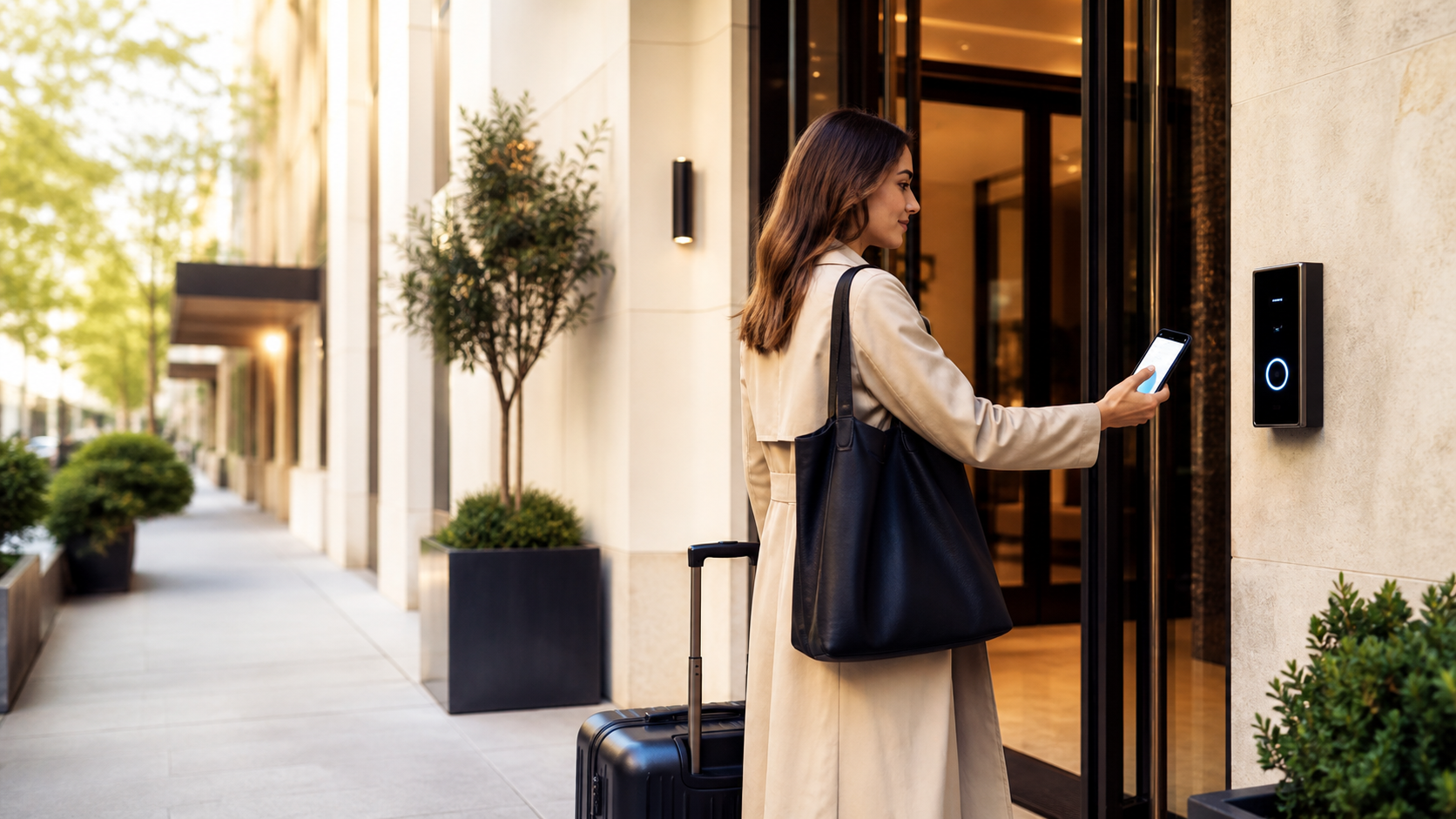
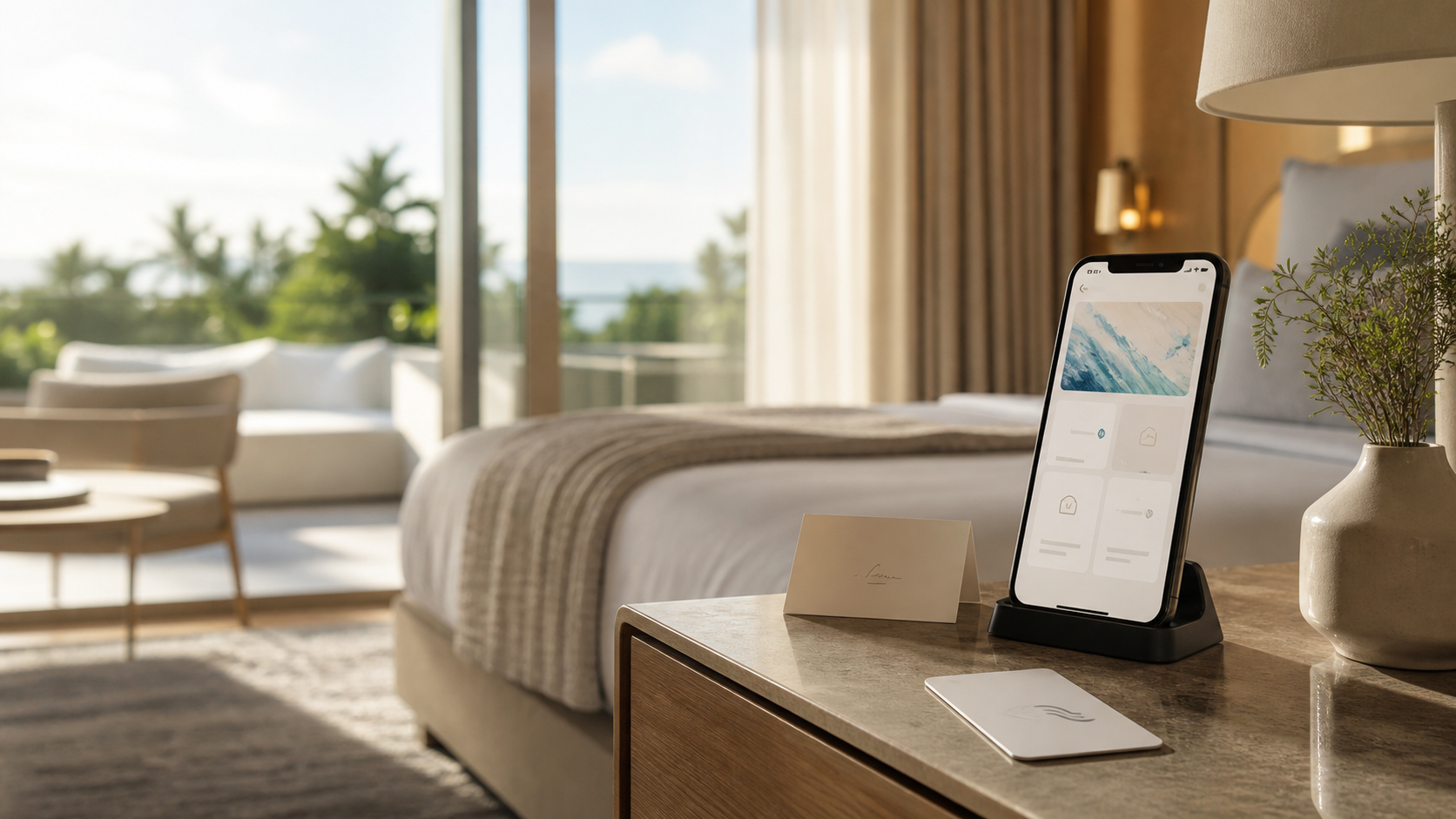
A digital guest guidebook is an online version of the information you'd normally hand a guest on arrival: Wi-Fi codes, check-in and check-out times, house rules, appliance instructions, restaurant recommendations, and answers to the questions guests ask most. Instead of a laminated binder or a printed sheet left on the counter, guests access it from their own phone — usually by scanning a QR code, with no app to download and no account to create.
The core idea is simple: move static, easily-outdated paper content into a format that's instantly updatable, searchable, and available in the guest's own language before they even set foot on the property.
Digital Guest Guidebook vs Paper Welcome Book
| Paper Welcome Book | Digital Guest Guidebook | |
|---|---|---|
| Updating content | Reprint required | Instant, from any device |
| Availability | Only in the room | Before, during, and after the stay |
| Language | One language, maybe two | Automatically translated |
| Guest interaction | None | Links, maps, contact forms |
| Hygiene | Shared, touched by every guest | Contactless |
| Cost per property | Printing + reprinting | Usually a flat monthly fee |
A paper welcome book isn't wrong — it's just brittle. Change your Wi-Fi password, your breakfast hours, or your parking instructions, and every printed copy in every room is immediately out of date until someone reprints them.
Digital Guest Guidebook vs Guest App vs Guest Portal
These three terms get used almost interchangeably in vendor marketing, which makes comparison shopping confusing. Here's the practical distinction:
- Digital guest guidebook: content-first. Its job is to answer questions and share information — Wi-Fi, house rules, recommendations, FAQ. Usually accessed via a QR code or a simple link, no login required.
- Guest app: typically means a native mobile app the guest has to download from an app store. Heavier to build, heavier for the guest to install, and often overkill for what's fundamentally an information problem.
- Guest portal: a broader term that can include the guidebook content plus transactional features — booking a spa slot, requesting late checkout, messaging the front desk, paying an incidental charge.
In practice, most properties don't need a native app. A well-built digital guidebook that's accessible instantly from a QR code covers the actual guest need — information, on demand, in their language — without the download friction of an app. Some platforms, like OnboardGuest, extend the guidebook with lightweight portal-style features (requests, contactless services) without ever requiring an app install.
Digital Guidebooks for Hotels vs Vacation Rentals
The concept is the same, but the content priorities shift depending on property type.
For hotels:
- Front-desk contact and service hours (room service, spa, gym, concierge)
- Restaurant and bar menus and hours
- Amenity access (pool, parking, business center)
- Multi-property or multi-brand needs if you manage several hotels
For vacation rentals and short-term stays:
- Self-check-in instructions (lockbox codes, smart lock steps)
- Appliance instructions (thermostat, washer, coffee machine, TV)
- House rules (quiet hours, pets, smoking, parties)
- Emergency contact information and local emergency services
- Checkout instructions (trash, keys, towels)
Vacation rental hosts generally lean more heavily on the guidebook because there's no front desk to fall back on — the guidebook is the front desk. That's also why unanswered questions there tend to translate directly into late-night messages to the host. See our guide on reducing guest questions before they happen for a breakdown of the questions that come up most and how to preempt them.
Why It Matters: The Core Benefits
- Fewer interruptions. A well-organized, searchable guidebook answers the questions guests would otherwise call or message about — Wi-Fi, checkout time, parking.
- Better guest satisfaction. Guests get instant answers instead of waiting on hold or hunting for a binder, which shows up in reviews.
- More upsell opportunities. A guidebook is also a natural place to surface spa bookings, restaurant reservations, or late-checkout upgrades.
- Staff time saved. Every question answered by the guidebook is a question your team doesn't have to answer by phone.
- Consistent, on-brand experience. Every guest sees the same accurate, professionally presented information, in their own language.
- Multilingual by default. International guests get the same information without a language barrier — see how a multilingual guest app works for what to look for here specifically.
Essential Sections of a Good Digital Guidebook
Whatever platform you use, these are the sections that consistently reduce the most questions:
- Arrival essentials — check-in/check-out times, Wi-Fi network and password, how to reach the property.
- In-property instructions — appliances, air conditioning/heating, safe, TV, kitchen equipment.
- Property/hotel services — room service, breakfast, spa, gym, laundry, parking.
- Local recommendations — restaurants, activities, transportation, points of interest, ideally curated rather than a generic map dump.
- Rules and practical information — smoking, pets, noise, safety, emergency procedures.
- FAQ — the handful of questions that come up on every single stay, answered once and reused for every guest.
How to Choose a Digital Guest Guidebook Platform
Not all guidebook tools are built the same way. When evaluating options, check for:
- No app required for guests. If guests have to download something before they can find the Wi-Fi password, you've added friction at exactly the wrong moment.
- Genuinely instant updates. Changing a detail should take effect immediately, not require a re-export or reprint step.
- Real multi-language support, not just a single translated template.
- A free tier or a clear entry-level price, especially if you're testing the idea on one property before rolling it out further.
- Support for both hotel and short-term rental content structures if you manage a mixed portfolio.
- PDF import, so you're not manually retyping an existing welcome document from scratch.
If you're specifically comparing options because you're already on a similar tool and want to see what else is out there, our Touch Stay alternative comparison walks through what to weigh when switching digital guidebook platforms.
How to Set Up Your First Digital Guest Guidebook
- Gather your existing content. Pull together whatever you currently hand guests — a PDF, a printed sheet, a Google Doc. You don't need to start from a blank page.
- Organize it into the core sections above. Arrival essentials, in-property instructions, services, local recommendations, rules, FAQ.
- Fill gaps with a template if you're starting from scratch. Our free Airbnb welcome book template is a practical starting structure if you have no existing document to import.
- Generate your access point. Most modern platforms generate a QR code automatically — our guide on creating a QR code for hotel Wi-Fi instructions covers the specific case of getting guests online in the first five minutes of their stay.
- Place the QR code where guests will actually see it — the room door, the welcome folder, next to the kettle, wherever guests naturally look first.
- Review and update it seasonally, or any time a detail changes (Wi-Fi password, opening hours, a new house rule).
Common Mistakes to Avoid
- Overloading it with information. A guidebook guests have to scroll through endlessly gets skipped entirely. Structure beats volume.
- Publishing it in one language only. International guests are the ones who need it most.
- Shipping it as a static PDF. A PDF can't be updated instantly and rarely displays well on a phone.
- Letting the QR code go stale. A code linking to an outdated version undermines the whole point.
- Ignoring your own analytics. If your platform tracks which sections guests actually open, use that to figure out what's missing or unclear.
How OnboardGuest Makes This Easy
OnboardGuest is a digital guest guidebook platform built for both hotels and short-term rentals. You can:
- Build a guidebook in minutes, with PDF import to pull in your existing content instead of retyping it
- Update it instantly at any time, with changes live immediately
- Serve it automatically in your guests' own language, with no manual translation work
- Share it through a single QR code, with no app for guests to install
- Try it with a free plan covering one property, all sections, and QR code access
Pricing scales simply from there: €10/month for hotels with unlimited properties, photos, branding, and stats, or €5/month for short-term rentals with unlimited properties, photos, and branding. You can try the live demo without creating an account first.
Frequently Asked Questions
Do guests need to download an app? No. A digital guest guidebook is typically accessed through a QR code or link in a mobile browser — nothing to install.
Can I use it for more than one property? Yes, most platforms — including OnboardGuest's paid plans — support unlimited properties under one account.
Will it work for international guests? It should. Look specifically for automatic multi-language support rather than a single translated template; see our multilingual guest app guide for what that actually means in practice.
What if I already have a welcome PDF? Good platforms let you import it directly instead of manually rebuilding every section — this alone can cut setup time from hours to minutes.
Get Started
A digital guest guidebook isn't a nice-to-have anymore — it's the baseline guests expect. Try OnboardGuest for free and turn your existing welcome document into a modern, instantly updatable guidebook in a few minutes.