How Does Contactless Check-In Work? A Step-by-Step Breakdown
Contactless check-in sounds simple from the outside — "guest skips the front desk" — but the actual sequence involves several distinct steps, each of which can be automated to different degrees. Here's what happens at each stage, in order.
Step 1: Pre-arrival details
Before arrival, the guest receives a link (by email or SMS) to submit the information a front-desk agent would normally collect in person: identity verification, arrival time, and payment details. This step usually happens 24–72 hours before check-in.
What can go wrong: if the link isn't sent, or a guest misses it, they arrive with nothing set up — so a fallback (a QR code at the door, or a staff member available to help) still matters.
Step 2: Identity and payment verification
The property (or its software) confirms the submitted ID and payment method match the booking. Some systems automate this fully; others flag mismatches for a staff member to review before the guest arrives.
Step 3: Room assignment and key generation
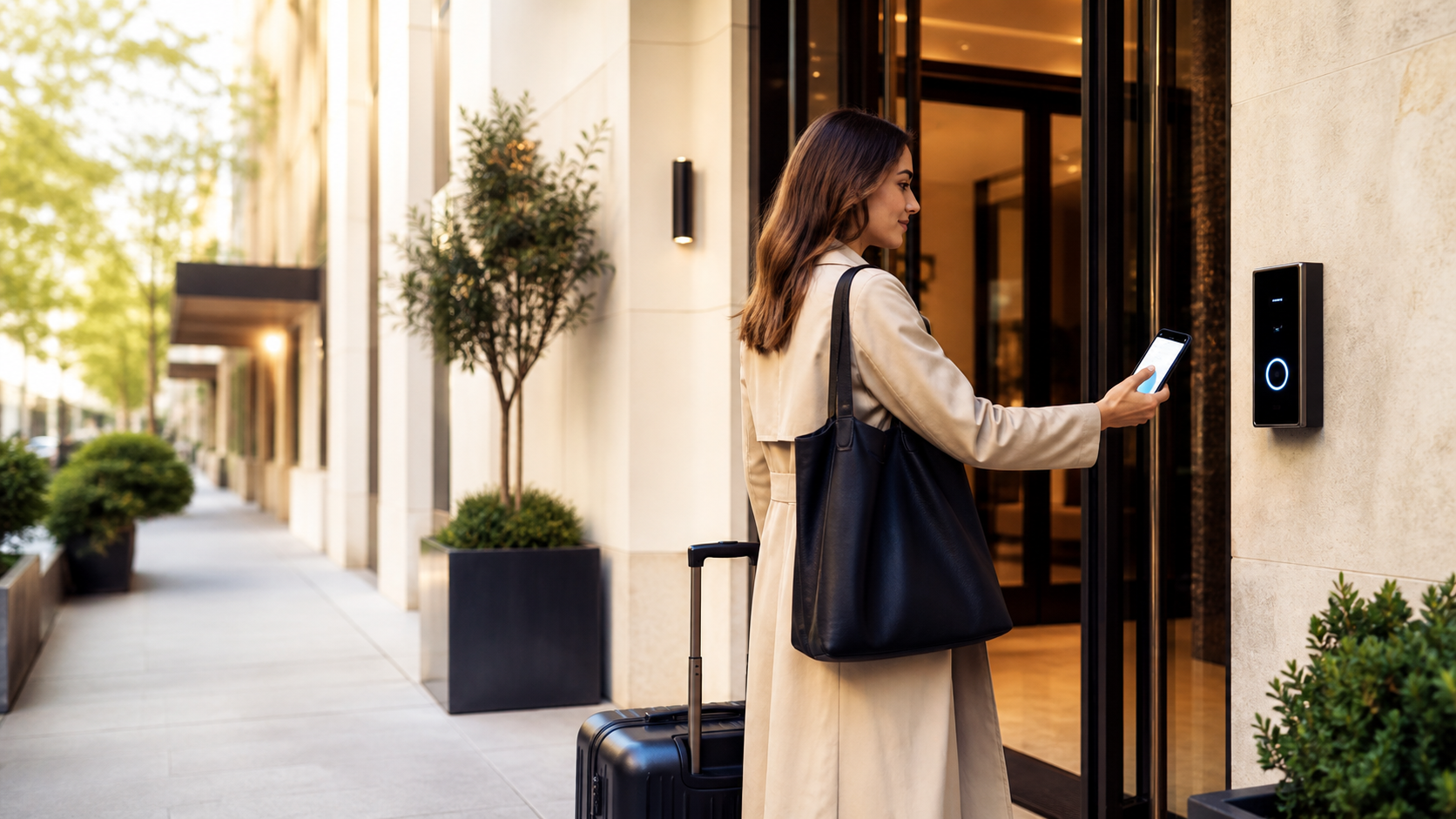
Once verified, the guest is assigned a room and a key is generated — either a code for a keypad lock, a digital key sent to their phone, or a physical key waiting in a lockbox or kiosk.
Step 4: Access on arrival
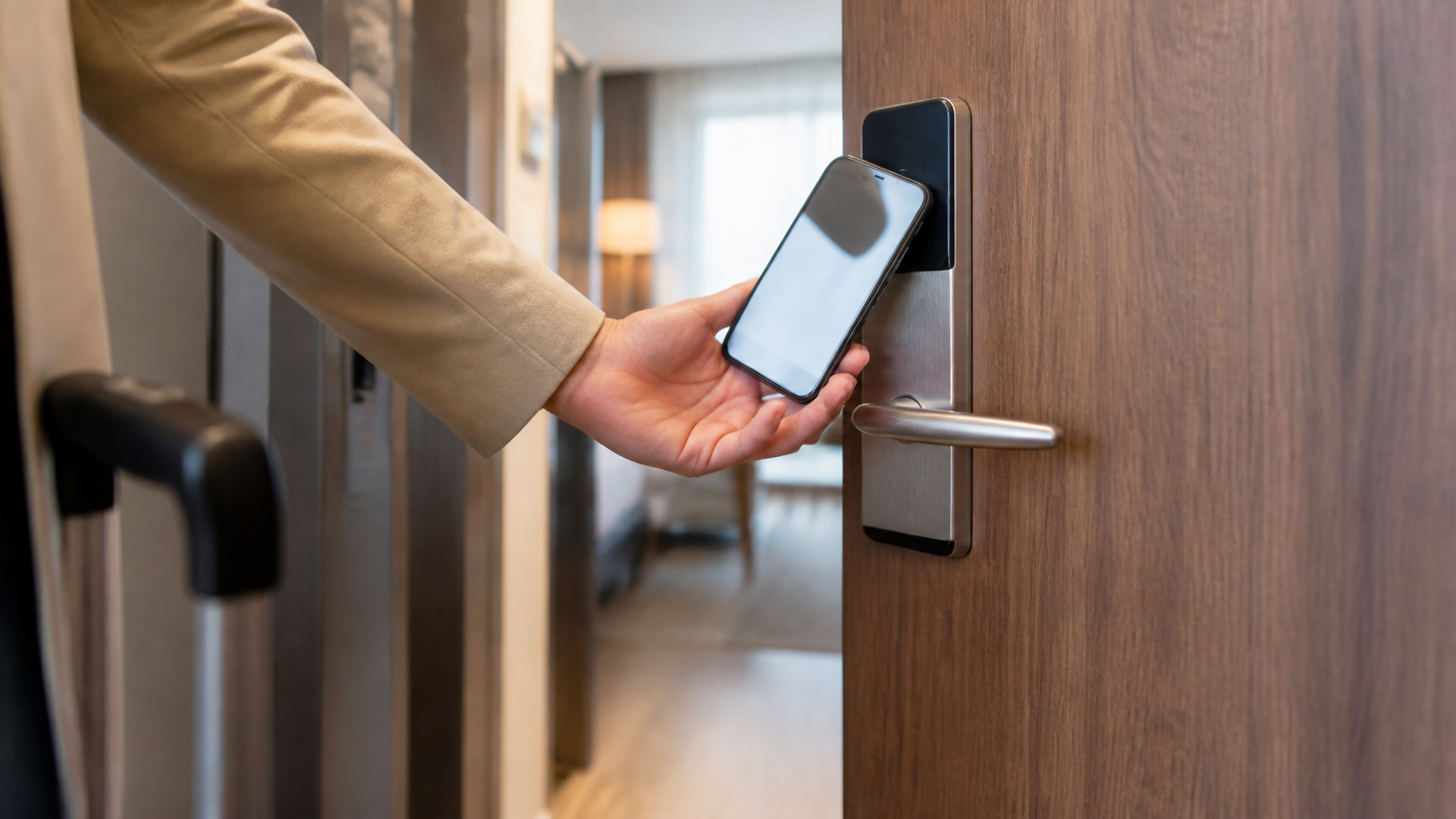
The guest arrives and unlocks their room directly, without a desk interaction. Depending on the system, this might be:
- A numeric code entered on a keypad lock
- A digital key opened via an app or mobile wallet
- A key retrieved from a lockbox using a code sent earlier
Step 5: The information gap (the step most systems skip)
This is where most contactless check-in setups fall short. In a traditional check-in, the front-desk conversation covers more than just the key — wifi password, breakfast hours, house rules, checkout time, local recommendations. Skip the desk, and that information has to come from somewhere else, or the guest is left to figure it out, call the property, or just not know.
The fix is to send a digital guest guidebook alongside the digital key — the same message or QR code that grants access can also link to a guide covering everything a staff member would normally explain.
Step 6: Ongoing support during the stay
Even with a fully contactless arrival, guests may still have questions mid-stay. Some properties keep a phone line or messaging channel open for exceptions; a well-built guidebook (with local recommendations, amenity details, and house rules) reduces how often that's needed, without removing the option entirely.
Putting it together
A working contactless check-in flow needs three things in place, not just the key access:
- A reliable way to send pre-arrival details (email/SMS with enough lead time).
- A fallback for guests who miss the pre-arrival step (a QR code at the door, or staff on hand).
- A self-serve information source — a digital guidebook — covering everything a front-desk conversation would normally handle.
Most rollouts that feel broken to guests are missing step 3, not the key-access technology itself.
Try OnboardGuest for free to pair your check-in flow with a guidebook guests actually use — one property, every section, no cost to start.