Contactless Hotel Check-In: The Complete Guide
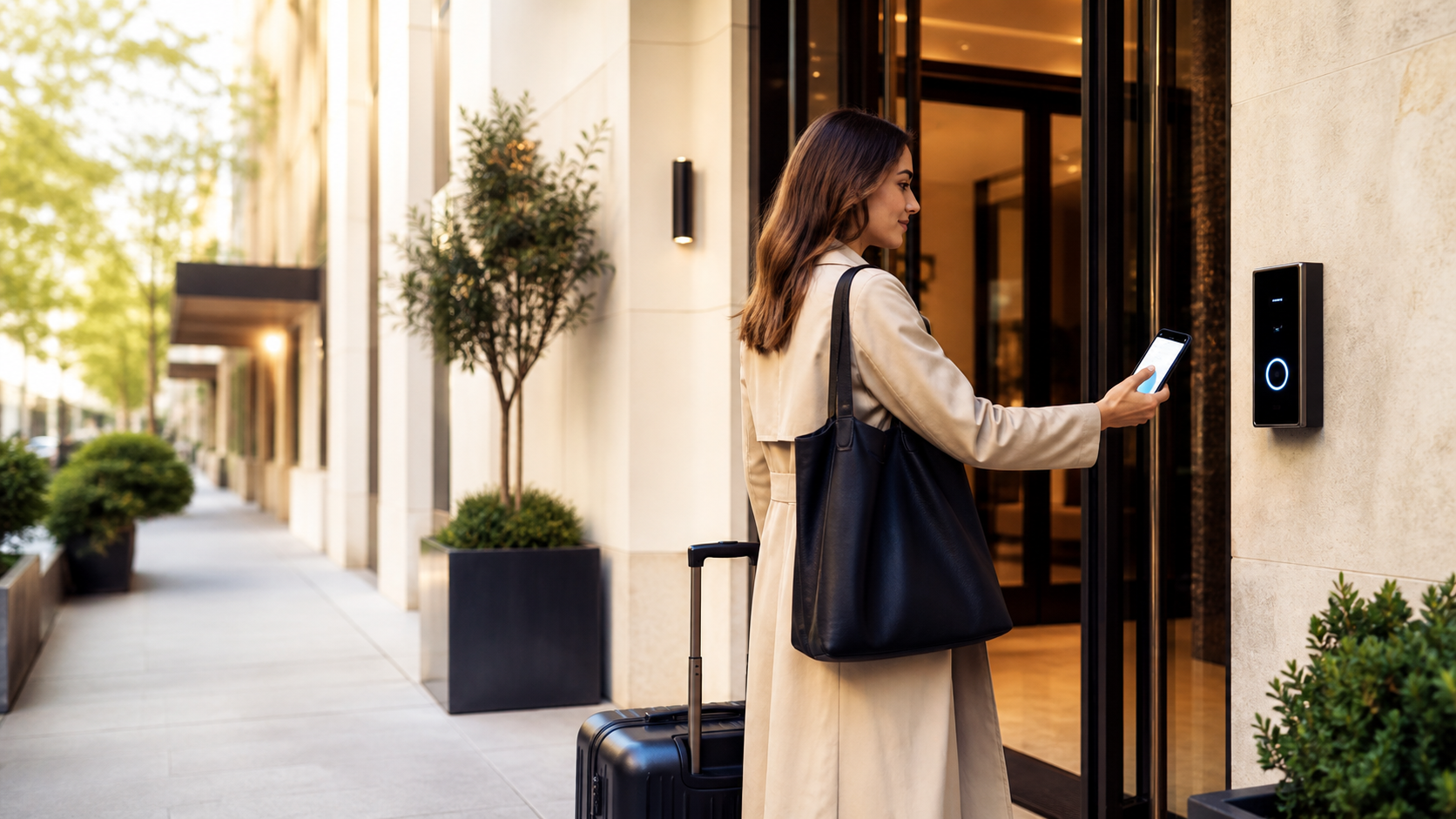
"Contactless check-in" gets used loosely enough that it can mean anything from a self-service kiosk in the lobby to a fully remote process where a guest never speaks to staff at all. If you're evaluating it for your property, the specifics matter more than the label.
This guide covers what contactless check-in actually involves, the different levels of implementation, and where it fits alongside the rest of a guest's digital experience.
What contactless check-in actually means
At its core, contactless check-in lets a guest complete the arrival process — identity verification, payment, room assignment, key access — without a face-to-face interaction with staff. It doesn't have to mean "no human involved at all"; it means the default path doesn't require one.
Common variations, roughly in order of how much they remove staff involvement:
- Online pre-check-in. Guest fills in ID and payment details before arrival; staff still hand over a physical key at the desk, but the transaction itself is faster.
- Self-service kiosk. Guest completes check-in on a lobby kiosk and receives a key or key code, with staff available nearby if something goes wrong.
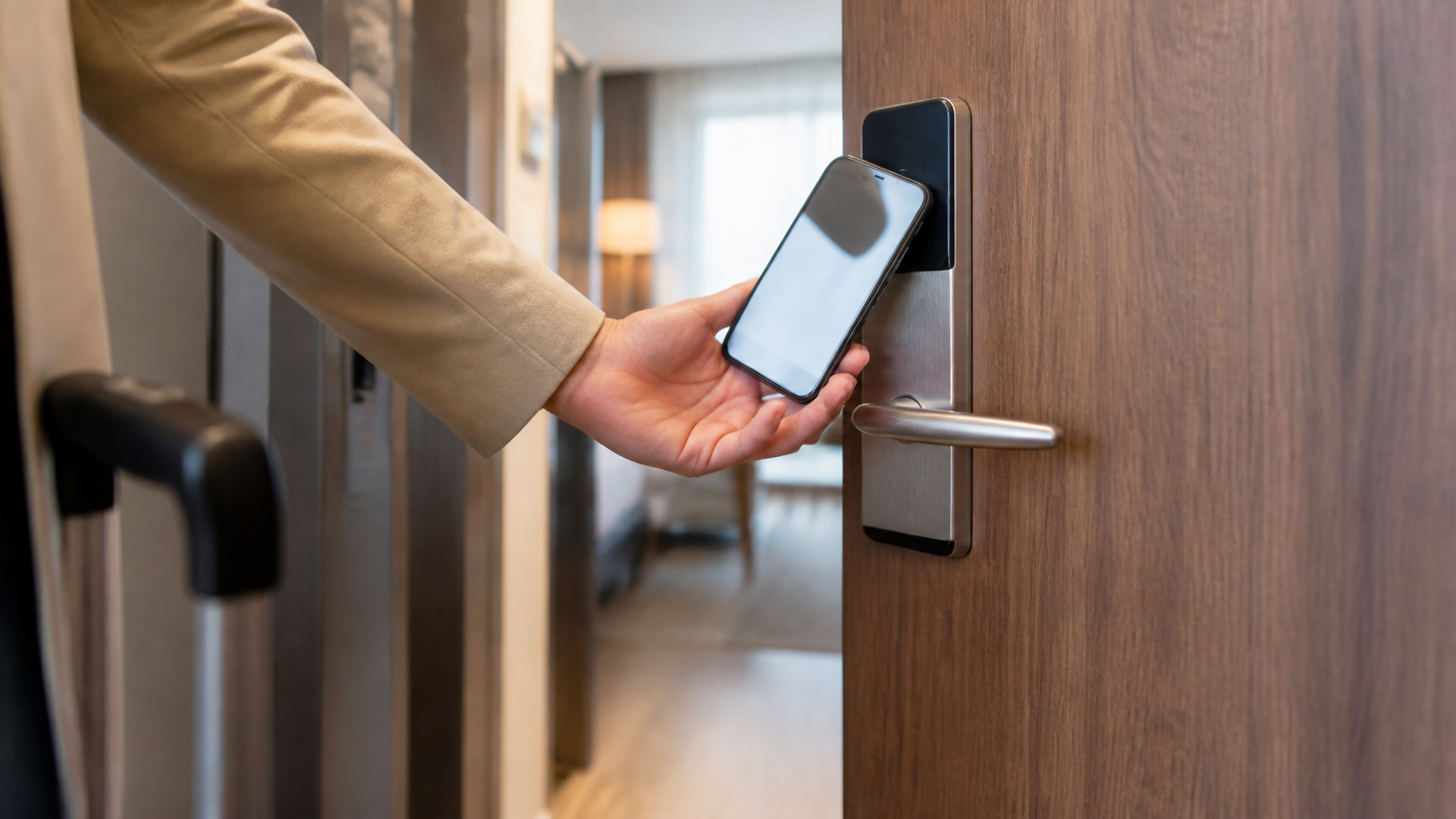
- Mobile key + remote check-in. Guest completes the entire process on their phone before arrival and unlocks their room directly with a digital key, skipping the front desk entirely.
Most properties don't need to pick one extreme — a lot of the value comes from combining pre-arrival check-in with clear self-serve information, even if key handover still happens at a desk.
Why hotels and rentals adopt it
- Reduced front-desk load at peak arrival times, particularly useful for properties with a tight afternoon check-in window.
- Fewer errors from rushed manual data entry, since the guest enters their own details.
- Faster arrival for guests, especially those arriving late or wanting to skip a queue after travel.
- Lower staffing pressure for smaller properties or those operating with a lean front-desk team.
What it doesn't replace
Contactless check-in solves the transaction of arrival — verifying identity, taking payment, handing over access. It doesn't, by itself, answer the questions guests still have once they're in the room: how the wifi works, what time breakfast starts, what the house rules are, or where to eat nearby.
This is the gap that trips up a lot of contactless rollouts: removing the front-desk interaction removes the moment where a staff member would normally explain the basics verbally. Without a replacement for that explanation, contactless check-in can shift the same repetitive questions from "in person at the desk" to "phone calls after check-in" instead of eliminating them.
Pairing contactless check-in with a digital guidebook
The properties that get the most out of contactless check-in pair it with a digital guest guidebook — a single link or QR code the guest gets alongside their digital key or check-in confirmation, covering everything a staff member would normally explain in person: wifi, house rules, amenities, local recommendations, and check-out instructions.
That combination — skip the desk, but hand the guest a complete, self-serve reference — is what actually removes friction instead of just moving it. OnboardGuest is built for exactly that handoff: a guidebook a guest opens from their phone, in their own language, the moment they arrive.
Getting started
You don't need a full remote-key system to start. A practical rollout order:
- Add online pre-check-in to reduce desk time, even if key handover stays manual.
- Give every guest a digital guidebook at check-in (via QR code, SMS, or email) covering the questions staff would normally answer face-to-face.
- Add self-service kiosks or mobile keys once the information gap above is already solved — otherwise you're just moving the same questions to a different channel.
Try OnboardGuest for free to see how a digital guidebook pairs with your existing check-in process — one property, every section, no cost to start.